01
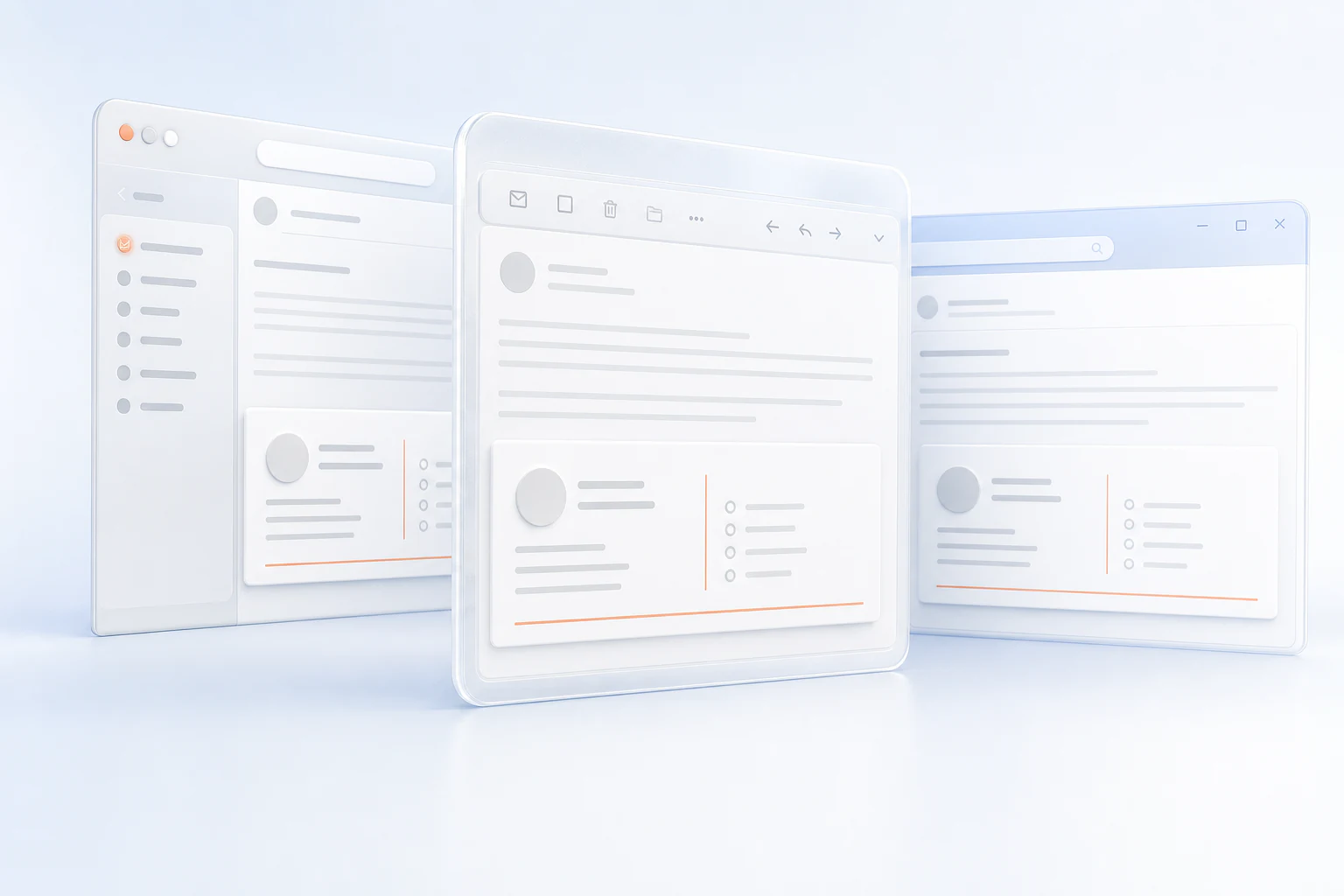
Looks right. Everywhere.
Outlook, Gmail, Apple Mail and more.
EMAIL SIGNATURES
BUILT ONCE · RENDERED EVERYWHERE
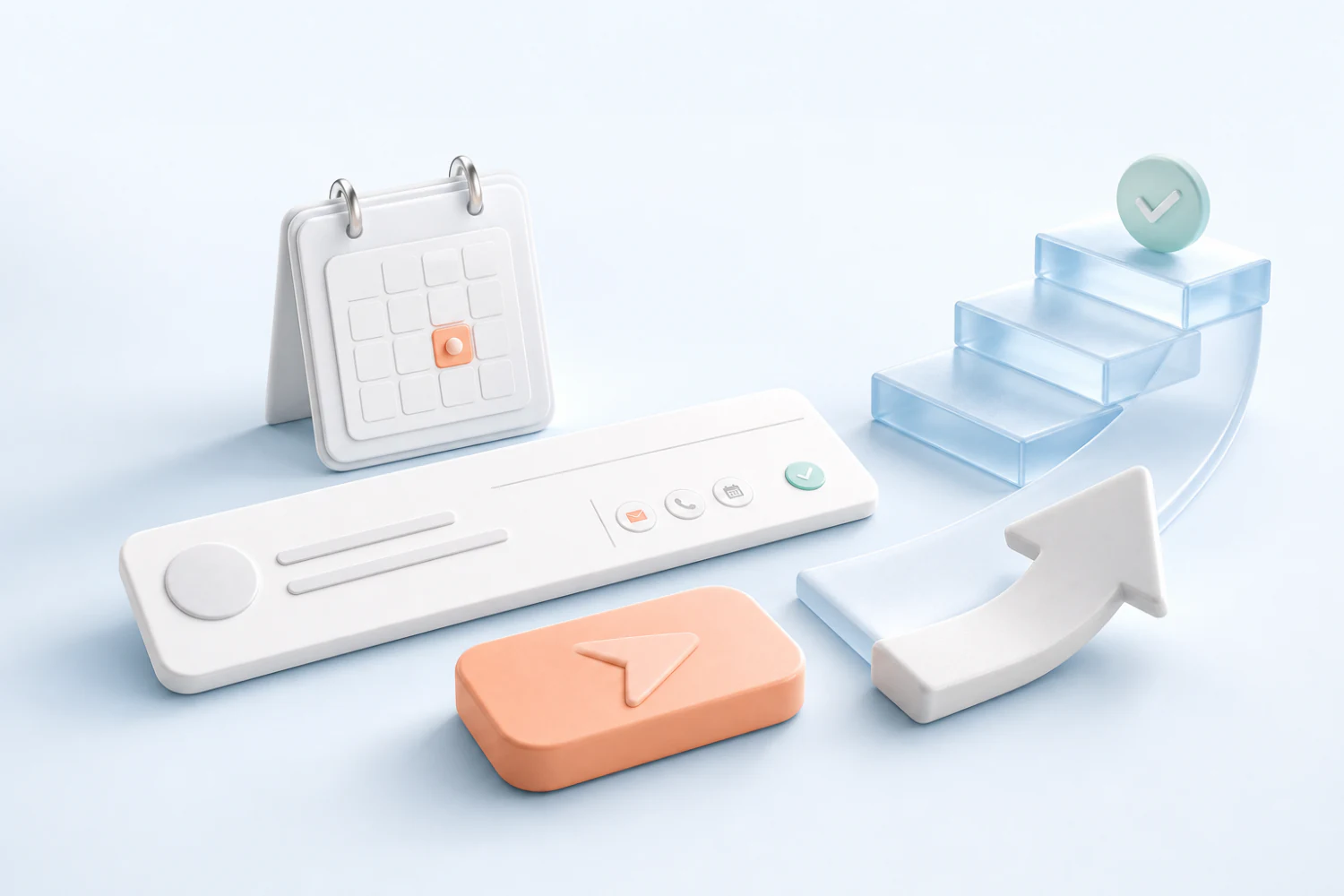
Build the signature live — then watch it fly into the inbox, holding its shape in every client.
TRY IT — TYPE, IT RENDERS LIVE
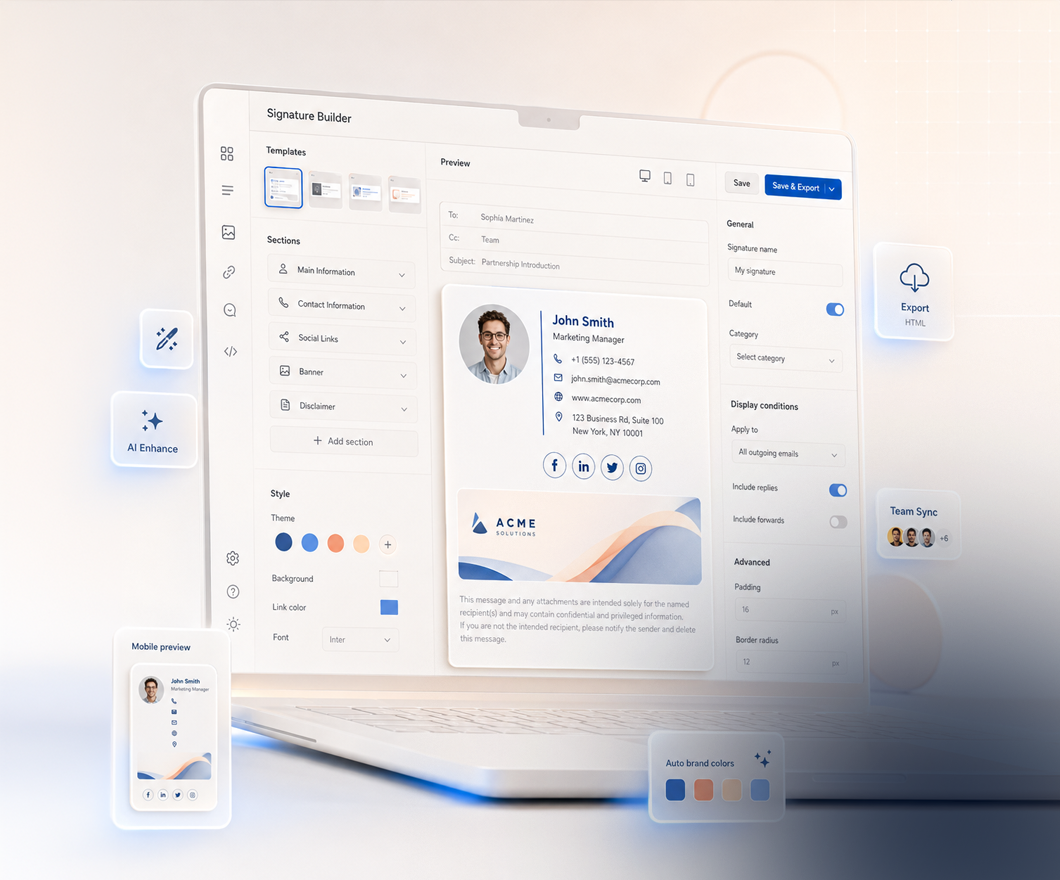
Fill in your details, style it to your brand, and it is tested across the major clients — then export a signature that holds its shape everywhere. No code, done in minutes.
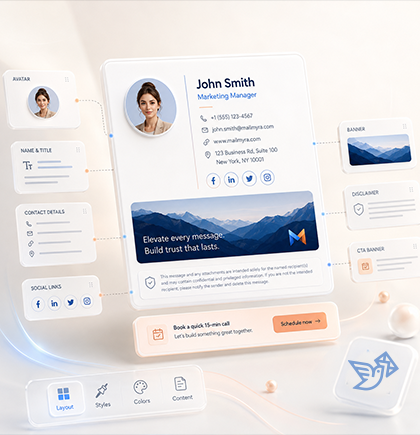
Name, title and contact details — the signature renders live with every keystroke, before you even sign up.
Six structural templates, your brand color, three sizes — the design restyles the moment you choose.
The live preview shows the finished signature while you build — and our three core templates are tested in six major clients.
Copy as rich HTML or download the .htm file — with step-by-step install guides for every client.
Build once, then keep every sender, campaign and email client perfectly aligned.
01
Outlook, Gmail, Apple Mail and more.

02
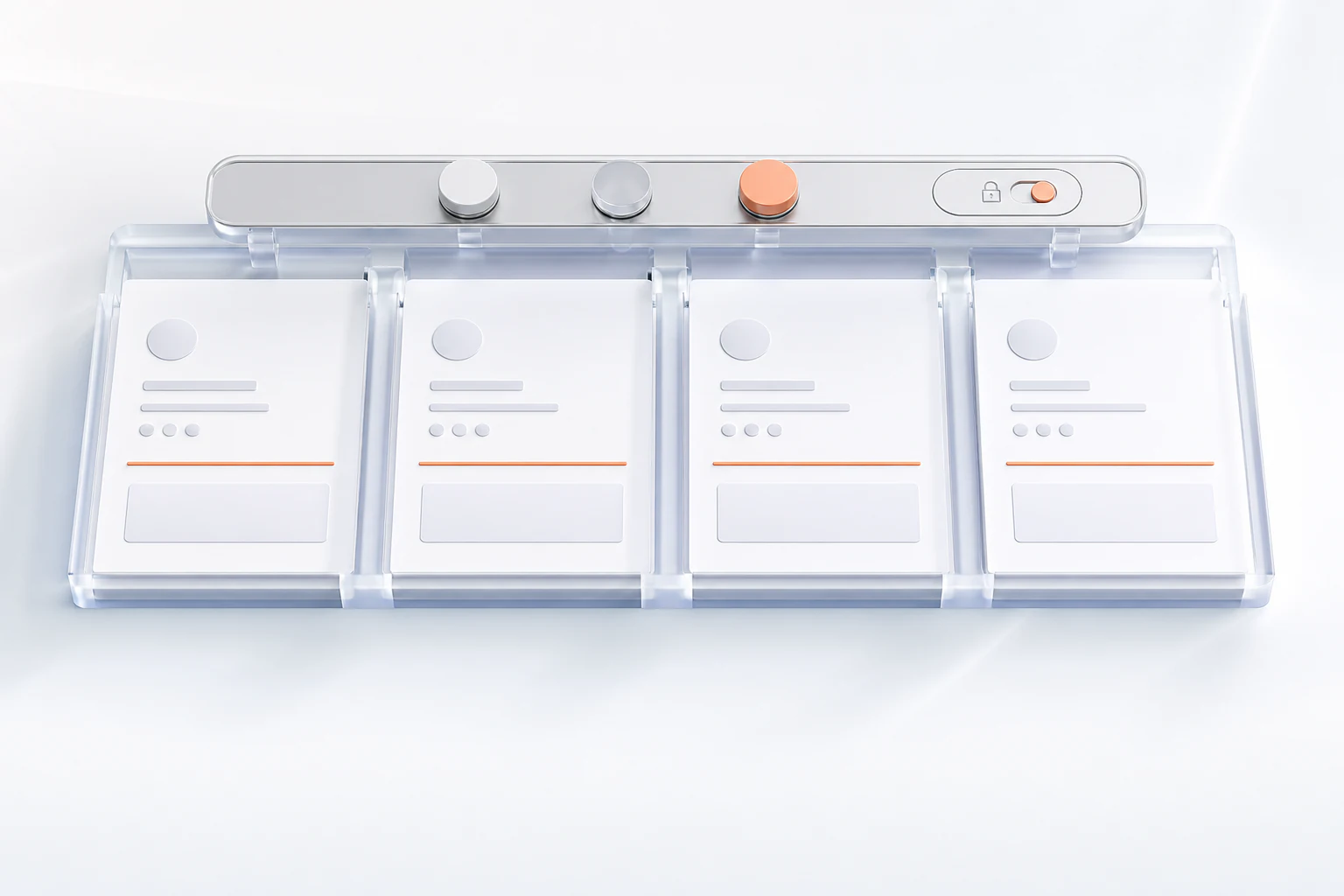
Lock approved details and deploy centrally.
03
Launch and update banners across the team.
04
Copy rich HTML or download the .htm file.
Add your details and watch the signature take shape live in the browser.
Change the structure, scale and brand accent from one focused styling desk.
Brand rules locked
The same identity is checked where recipients actually see it.
Give every team the signature tools they need without giving up control of the brand.
Explore team solutionsSchedule banners once and publish them across the team.

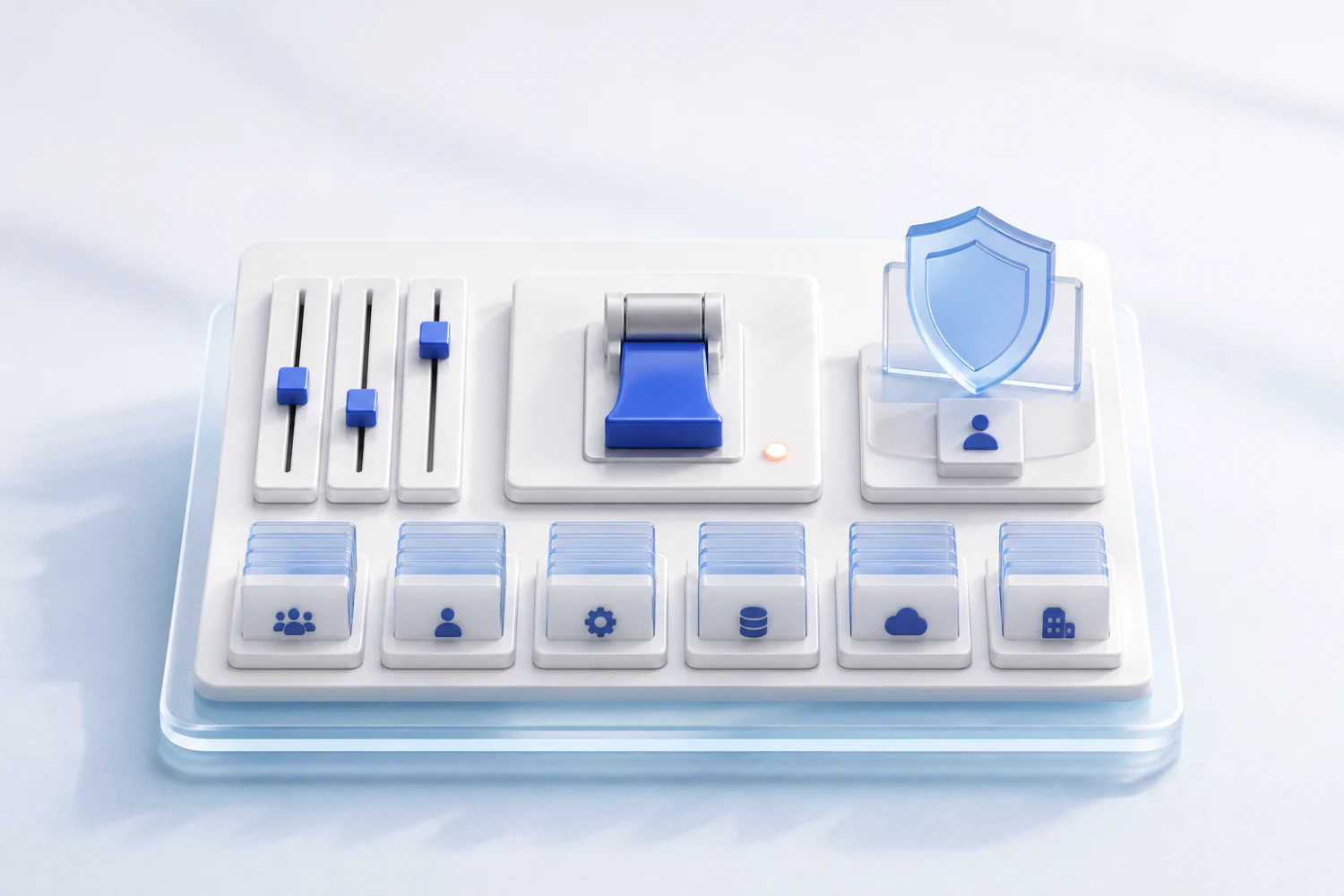
Manage identity, permissions and rollout from one control room.

Bring every role and profile in from one CSV file.

Connect signatures to meetings and demos.

Lock disclaimers and required fields.

Measure banner clicks, CTA performance and active campaigns.

Keep every department aligned with one consistent identity across every email.

Early access feedback
Turn scattered personal signatures into one controlled identity system.
Try the BuilderDifferent colors, layouts and outdated details.
One approved system across every sender.
Each department gets the controls it needs while every message carries the same approved brand.


Marketing
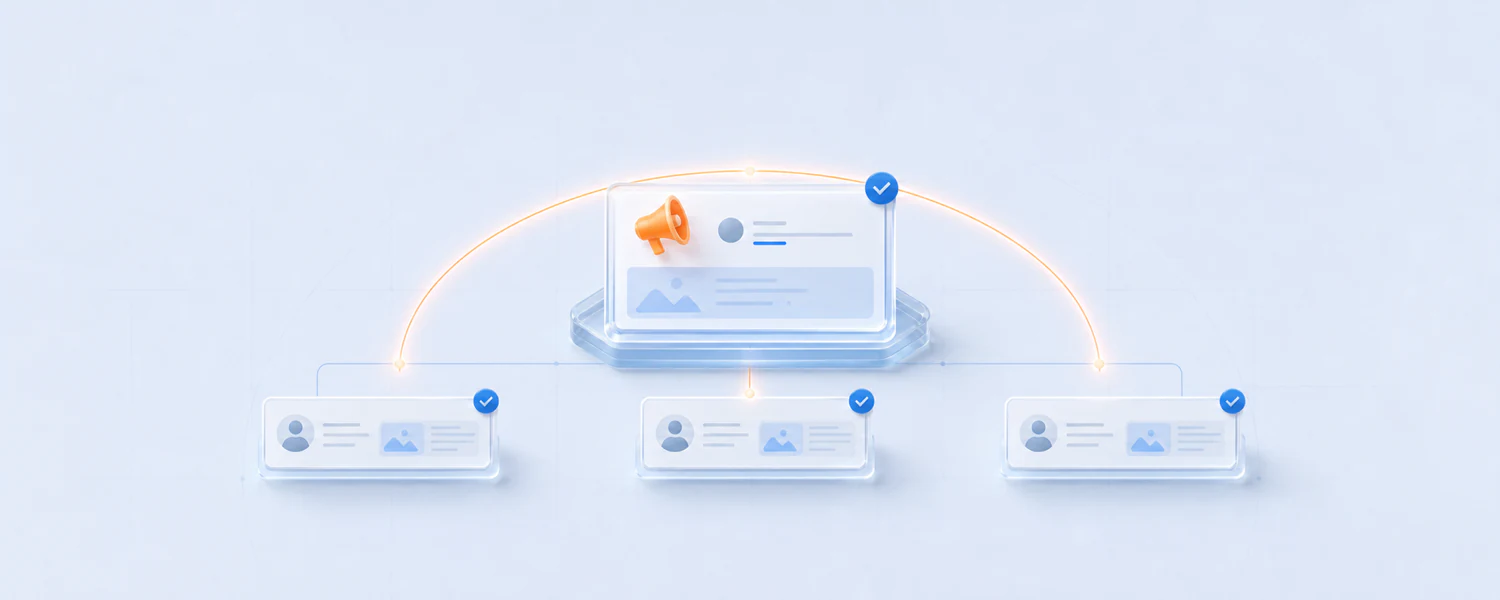
Plan and schedule campaign banners once, publish them across selected teams and keep launch messaging current in every customer conversation without editing individual signatures. soon
IT & Admin
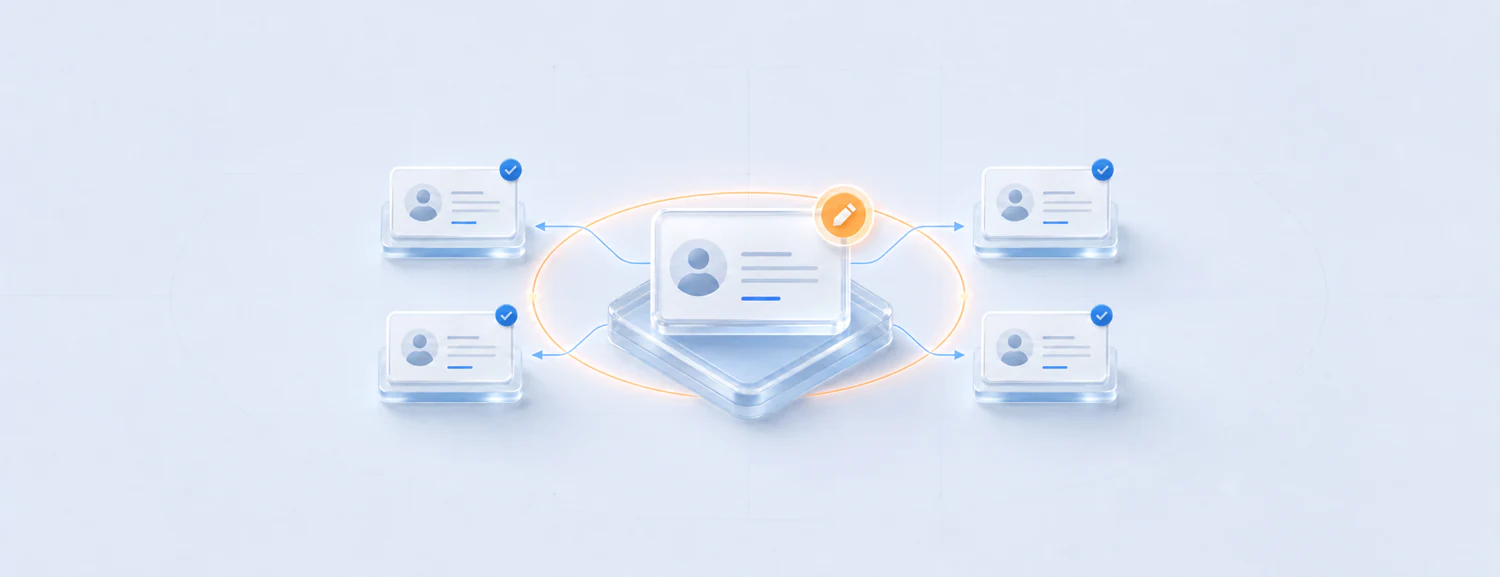
Control identity fields, permissions and organisation-wide rollout centrally, then deploy approved updates without asking every teammate to touch their own signature.
Sales
Place approved meeting links, demo prompts and calls to action inside every sales conversation while keeping contact details and brand presentation perfectly consistent.
Legal
Lock required disclaimers, approved company details and policy text so every outgoing message carries accurate information across teams, locations and email clients.
Build, preview and export before you commit.
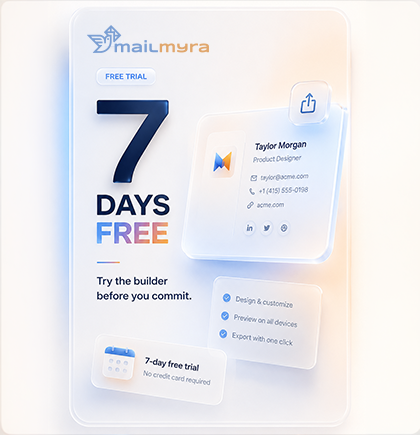
7 DAYS FREEBuild and preview free.
Export with a trial.
Try the full product for seven days, then move to one clear annual price of $1 per active sender.
For one sender building and managing a professional identity.
Manage every sender, brand and client workspace with the complete Mailmyra toolkit.
The builder and the live preview are open to everyone. Exporting needs an account — and the trial gives you the full product for seven days, with no card.
Everything you need to know before building, exporting and managing signatures with Mailmyra.
Mailmyra helps you design professional email signatures, preview them live as you type, and export clean, table-based HTML that is tested across major inboxes and stays consistent when it reaches the recipient.
You can preview and prepare signatures for Outlook Classic, New Outlook, Gmail, Apple Mail and iOS Mail, with layouts built around real email-client rendering constraints.
No. Choose a template, enter your details and adjust the style visually. Mailmyra generates the email-safe HTML and keeps the technical structure out of your way.
Yes. Create one approved signature system, lock the brand rules that matter and apply the same visual hierarchy to every teammate while keeping personal details accurate.
Today you can put one call to action in your brand settings and it applies to every signature that uses it. Scheduled campaign banners are on the roadmap, not in the product yet.
Copy the signature as rich HTML or download the .htm file, then follow the client-specific installation guide for Outlook, Gmail, Apple Mail or your preferred inbox.
Tell us about your team and we will show you how Mailmyra can bring every signature, sender and campaign into one controlled workflow.